ONE MODEL
Every module reads the same fluid
One shared modelTuned fluid · PR78 · 1 project
FIELD MODELLING
Converge puts PVT, wells, reservoir, network and economics on one shared model that you open in a browser tab. Every module reads the same fluid, from the lab report to the cash flow.
Business accounts start with a free trial. Students sign up with their school email.
PHASE ENVELOPE
Gas condensate · PR78 · P–T
Pressure, psia · temperature, °F
Computed by the Converge engine for a sample fluid.
One fluid feeds every module. Your simulators, lab reports and team stay where they are.
ONE MODEL
INPUTS
Fluid model built
EXPORTS
ACCESS
WHAT YOU GET
Peng-Robinson and SRK, plus-fraction splitting, phase envelope, lab experiments, live tuning.
Correlations matched to lab data, tables for the rest of the project.
Builds a fluid model from a lab report and recommends tuning.
Inflow, vertical lift, nodal analysis, gas lift and ESP.
Tanks, aquifers, diagnostic plots, history match.
Arps and modern decline models, P90/P50/P10.
Derivative diagnostics and analytical models.
Gathering network solve and optimisation.
Three-phase black-oil grid simulator.
Reservoir, wells and network run together through time.
Cash flow, NPV, IRR and fiscal terms.
INDUSTRIES
Built for the teams that turn samples, tests and production data into decisions, from asset teams and national operators to labs, consultancies and classrooms.
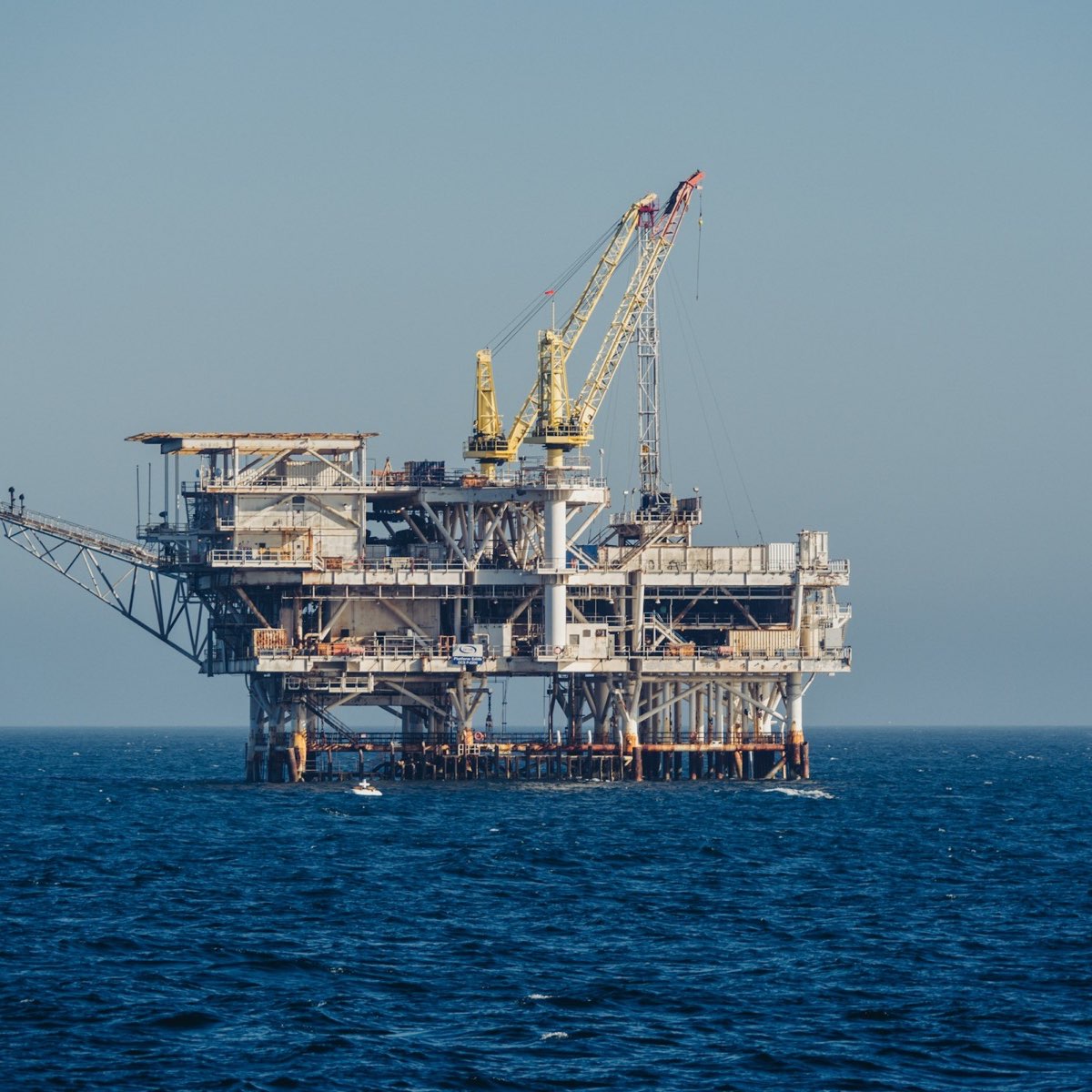
Gas lift, workovers and development plans on one shared model.

Small teams in Nigeria and West Africa covering fluid to fiscal terms.
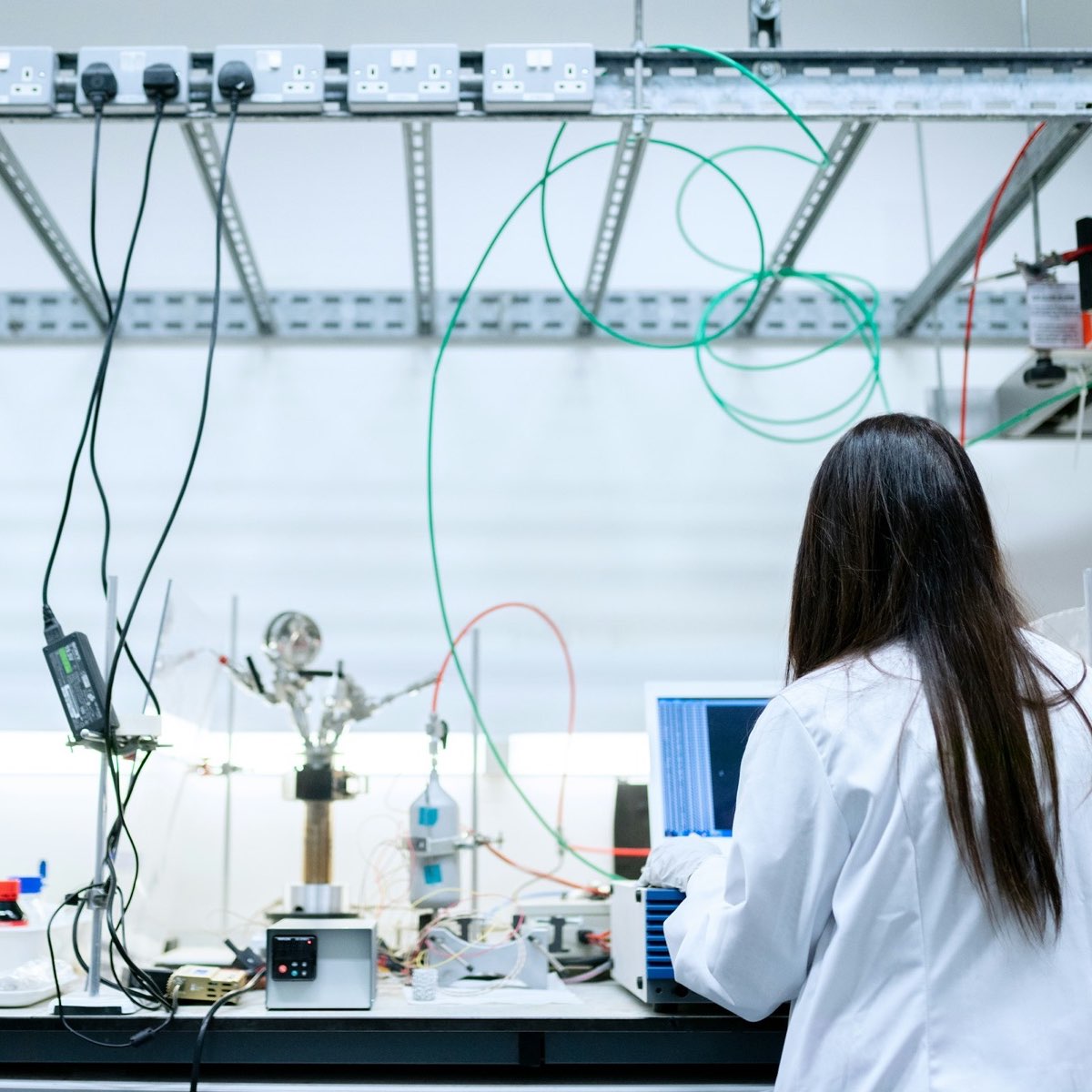
Tuned fluid models and simulator tables delivered with the report.

One project from the PVT class to the economics exercise.
Photos: Sheng Hu, Emmanuel Ikwuegbu, ThisisEngineering and Vitaly Gariev / Unsplash.
FLUID TUNING
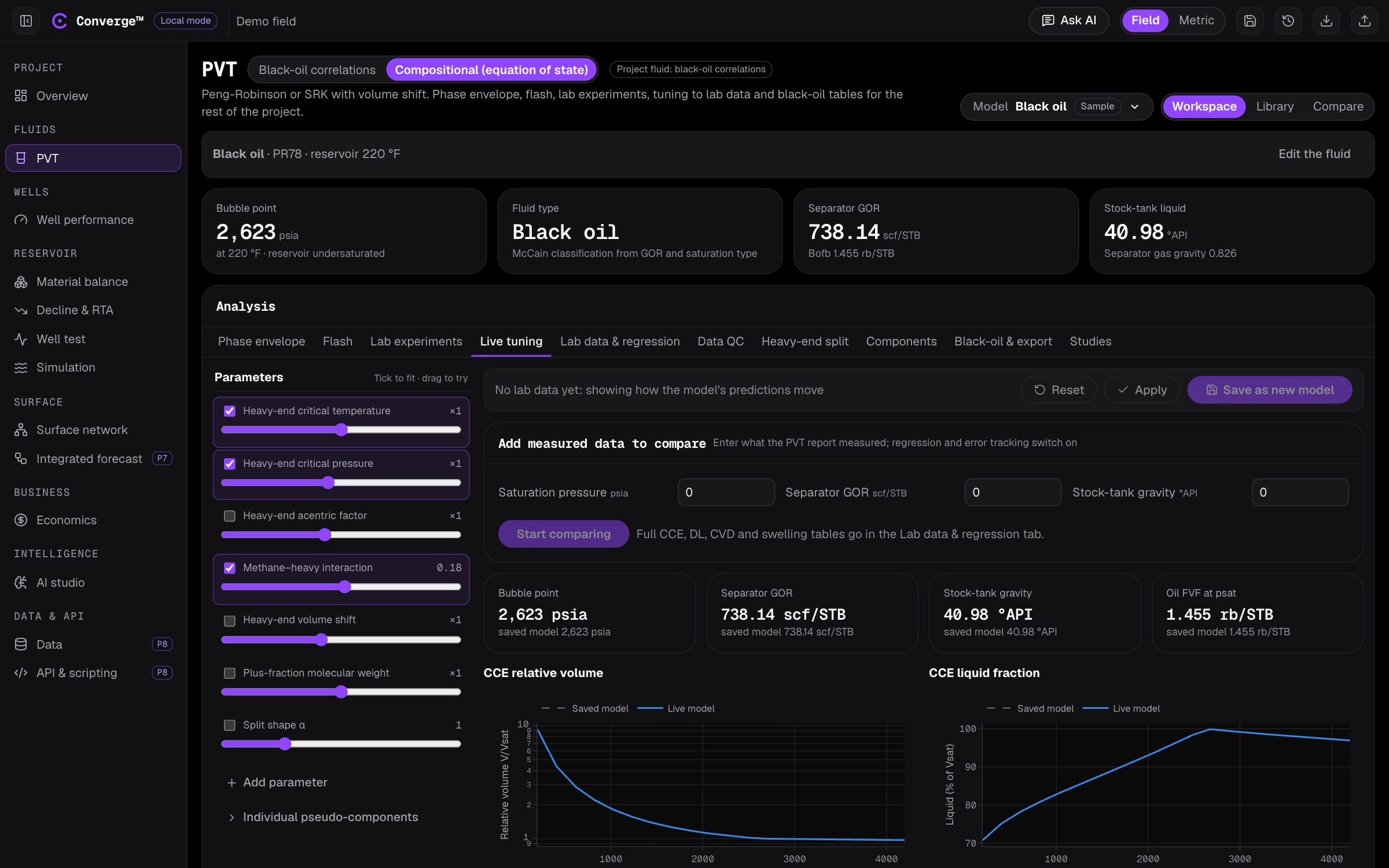
Drag a parameter and saturation pressure, separator GOR, CCE and differential liberation recalculate in roughly 20 to 50 milliseconds.
AI COPILOT
Upload a PVT report as PDF, Excel or Word. The copilot builds the fluid and tells you what to tune.
Build a model from this report and match the CCE and DL.
read composition: C1–C6, C7+ (MW 218, SG 0.852)
characterise: gamma split, 5 pseudo-components, PR78
regress: psat, GOR, Bo, relative volume
Saturation pressure now matches to 0.4%. I down-weighted the 500 psia DL point: its GOR is higher than the 1,000 psia point, which a liberation test cannot produce. Review the exclusion before you publish.
Nothing publishes until you accept it.

IN THE FIELD
The fluid model built from the first sample is the one the wells, the network and the economics read years later.
ACCURACY
The equation-of-state engine is tested against an independent open-source implementation and against NIST measurements. These checks run in the test suite, so a change that breaks them does not ship.
FAQ
No. Converge runs in a browser tab. There is no installer, no licence dongle and no licence server to maintain.
A seat belongs to the company, not to a person. Opening a module takes a free seat and closing it gives the seat back, so three seats means any three of your engineers at once. See how the seat model works.
Black-oil tables for PROSPER, MBAL, GAP, REVEAL and CMG IMEX, PVTO/PVDG for Eclipse, and EOS decks for E300 and CMG GEM. Every table also exports as CSV.
Yes. Converge can be installed on-premises, on your own servers, so project data never leaves your network. The engineering modules, from PVT to economics, run fully offline. The AI copilot needs a model to talk to: either a cloud AI provider your company approves, or a model you host yourselves inside your network. See on-premises.
Each company gets a database of its own for projects, saved versions and seat records. Data residency is available on request. See security and data.
Claude, Gemini, OpenAI or Kimi, whichever your company approves. If the provider you choose is not configured, the request fails with a clear message; it is never sent to a different one.